01 / CAPTURE
Double Luck Hunter
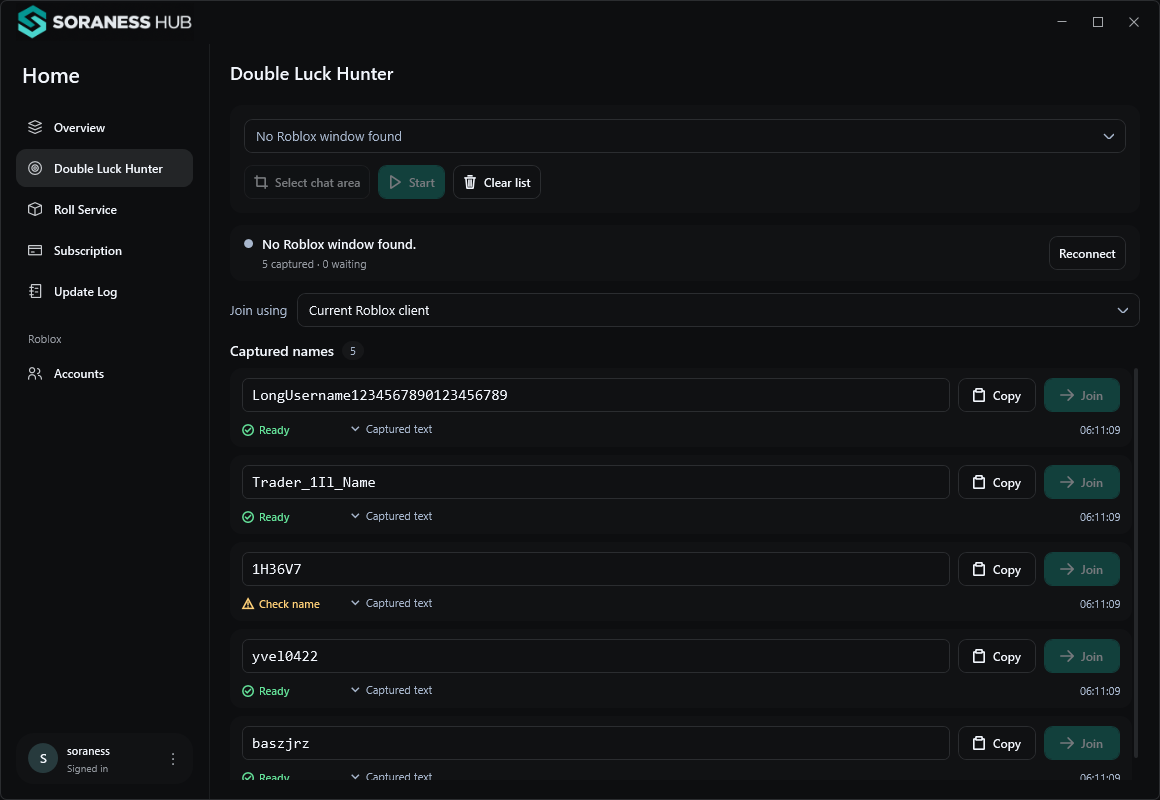
Read names from your selected Roblox chat area. Review confirmed captures, edit a username, copy it, or send an explicit Join request.
 Download
 BUILT FOR YOUR WINDOWS WORKSPACE
Capture player names, keep roll records, and manage your accounts — without losing your place.
Windows 10 / 11 · x64 · Version 1.1.8
A MORE ORGANIZED SESSION
Keep captures, records, and account controls close at hand.
Read names from your selected Roblox chat area. Review confirmed captures, edit a username, copy it, or send an explicit Join request.
Capture roll results and keep trader records organized. Run it alongside Hunter with its own window selection and pause control.
See the appSave isolated Roblox account sessions, launch accounts individually, and manage per-account memory preferences.
Anti-AFK controls are experimental; staying connected is not guaranteed.
LESS SCATTERED. MORE IN VIEW.
Separate capture controls.
A shared Hub.
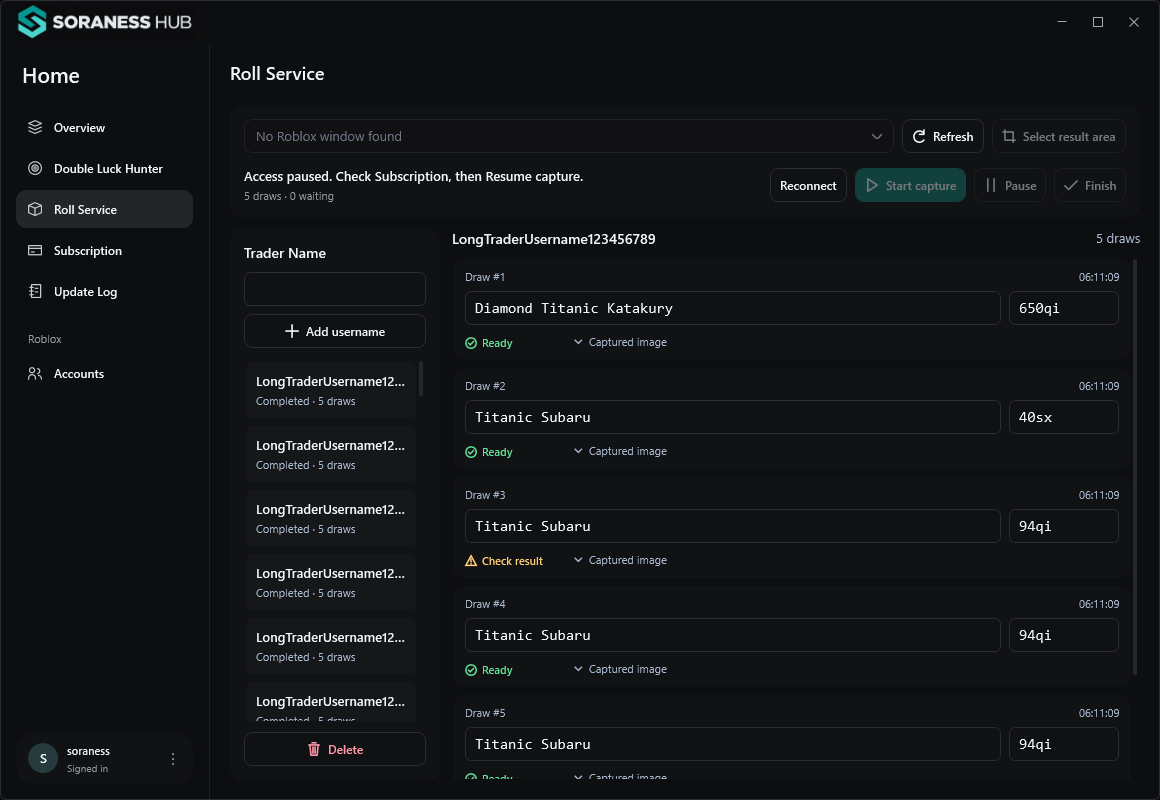
App preview with sample data. Results depend on the selected capture area and recognition quality.
ONE SIMPLE SUBSCRIPTION
Free to download and install.
Activate your access inside the app.
Access begins after approval, not receipt upload.
FROM DOWNLOAD TO WORKSPACE
Download the Windows installer and follow setup. Required Microsoft components are included.
Create your Soraness account in the app. Submit payment in Subscription and wait for approval.
Select the Roblox window and capture area for each tool, then start capturing when access is active.
BEFORE YOU DOWNLOAD
Yes. You can download and install Hub for free. Access to the subscription tools costs ₱99 for 30 days and starts after your payment is manually approved.
Create or sign in to your Soraness account inside the app. Open Subscription, pay using the displayed GCash details, and submit your receipt and transaction reference. Receipt upload alone does not activate access.
Hub supports 64-bit Windows 10 version 2004 or later and Windows 11. The installer includes required Microsoft components. Internet access is needed for Roblox sign-in and if WebView2 must be installed. macOS, phones, and Windows ARM are not supported by this release.
An approved renewal adds 30 days to your remaining active subscription time. Subscription access is bound to your registered PC.
Join sends the original Roblox join request and may open another Roblox window. Player privacy, availability, and Roblox permissions still apply. It does not promise an in-place server switch.
The installer keeps saved accounts, browser profiles, settings, and capture records separately. Updates and uninstall preserve those folders. Close the installed Hub before updating; setup will not close it for you.
BRING YOUR TOOLS TOGETHER
Installer only · Windows x64