Is the download free?
Yes. Download and install Hub for free. Protected features require a one-time ₱99 lifetime purchase through QR Ph inside Hub.
Which computers can use Hub?
Use 64-bit Windows 10 version 2004 or later, or Windows 11. Internet access is needed for sign-in and if WebView2 needs installation. This release does not support macOS, phones, or Windows ARM.
How do I activate access?
Sign in with Discord or email inside Hub. Open Subscription, pay through the PayMongo QR Ph checkout with a supported bank or wallet app, then check payment status.
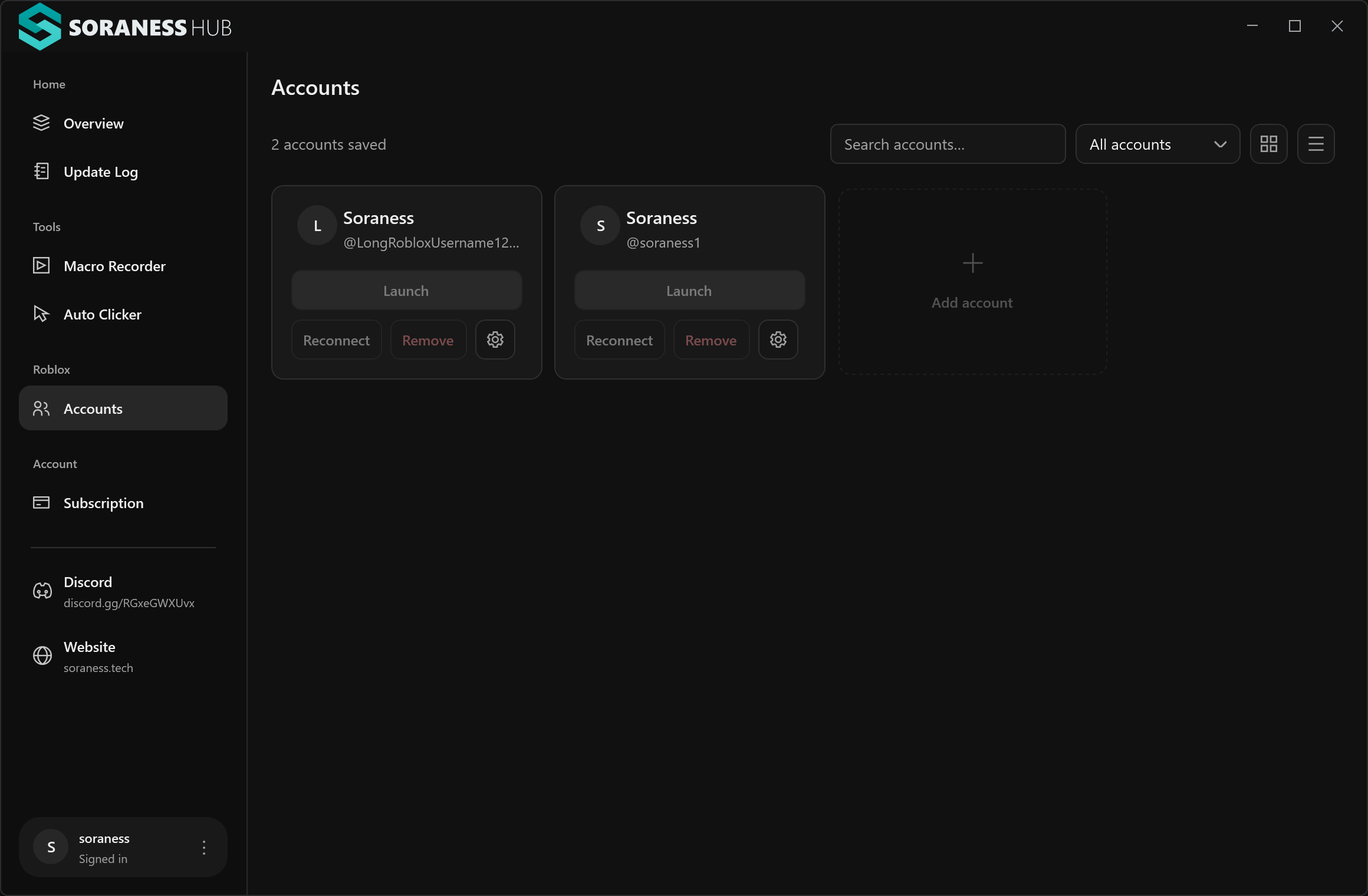
How do multiple accounts work?
Add accounts through Roblox’s own login page inside Hub. Sessions are saved separately on your PC. Launch each account one at a time and keep Hub open for multi-instance use. Close existing Roblox clients before your first launch after opening Hub.
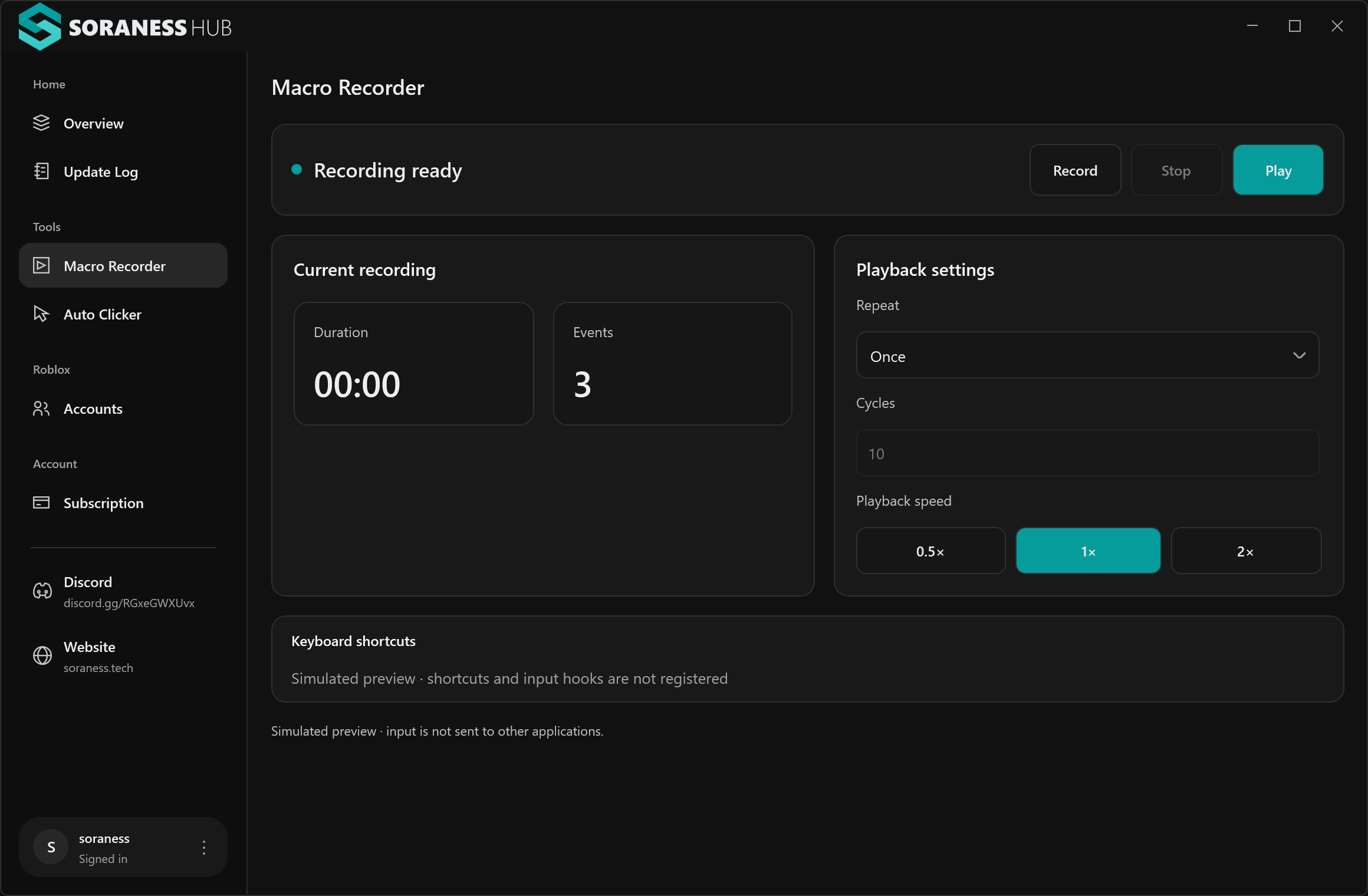
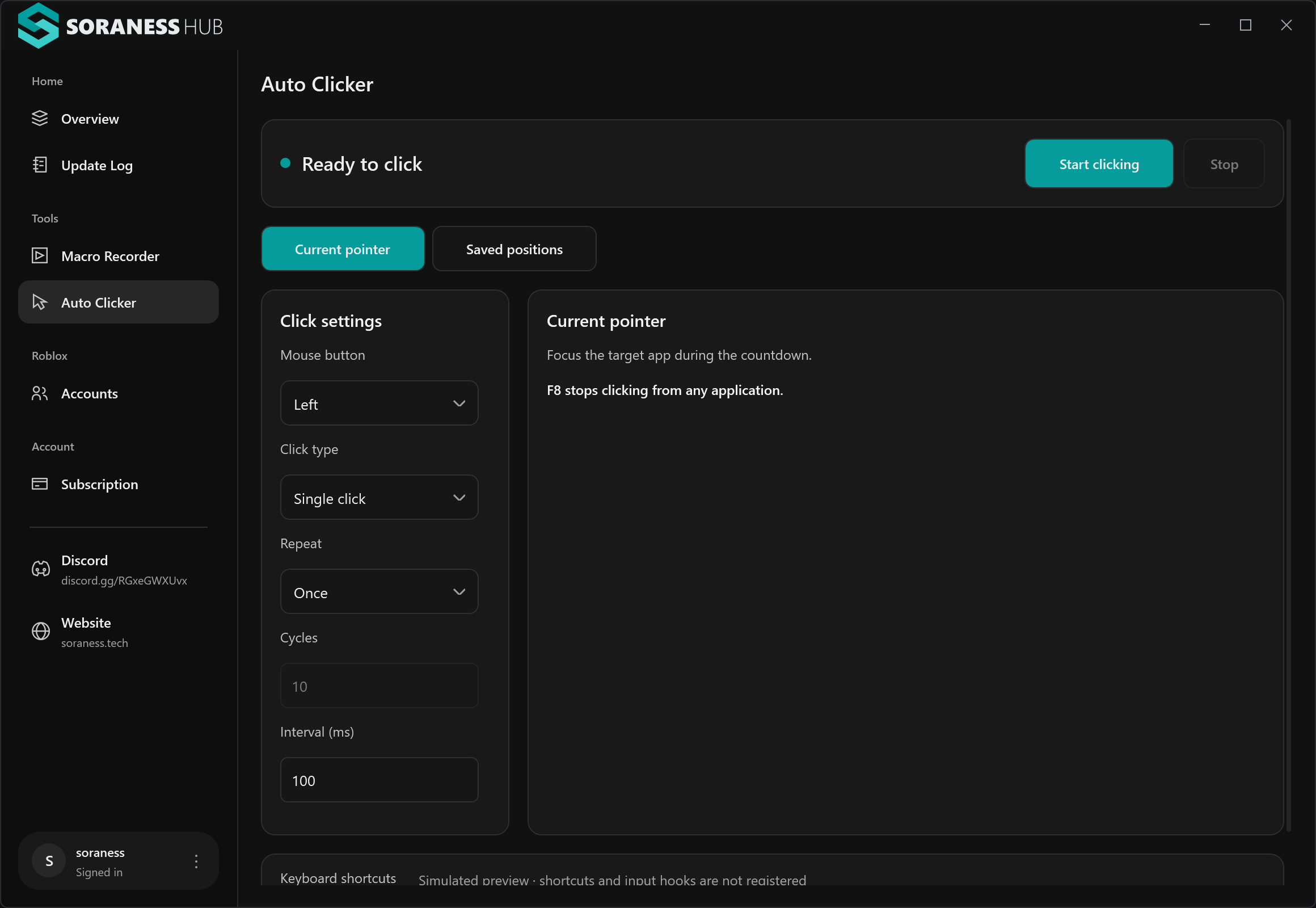
Can automation run in any window?
Macro Recorder and Auto Clicker work with normal, visible desktop applications. Elevated applications and protected screens may reject input. Only one recording, playback, or clicking operation runs at a time. F8 stops automation globally.
Will an update change my license or saved data?
Update notices are separate from license status and expiry. Updating or uninstalling preserves saved accounts, browser profiles, settings, and capture records. Close the installed Hub before updating.